
x64 Image Handler
An app for multithreaded photo processing, including background removal, template setup, watermarking, or full AI generation.
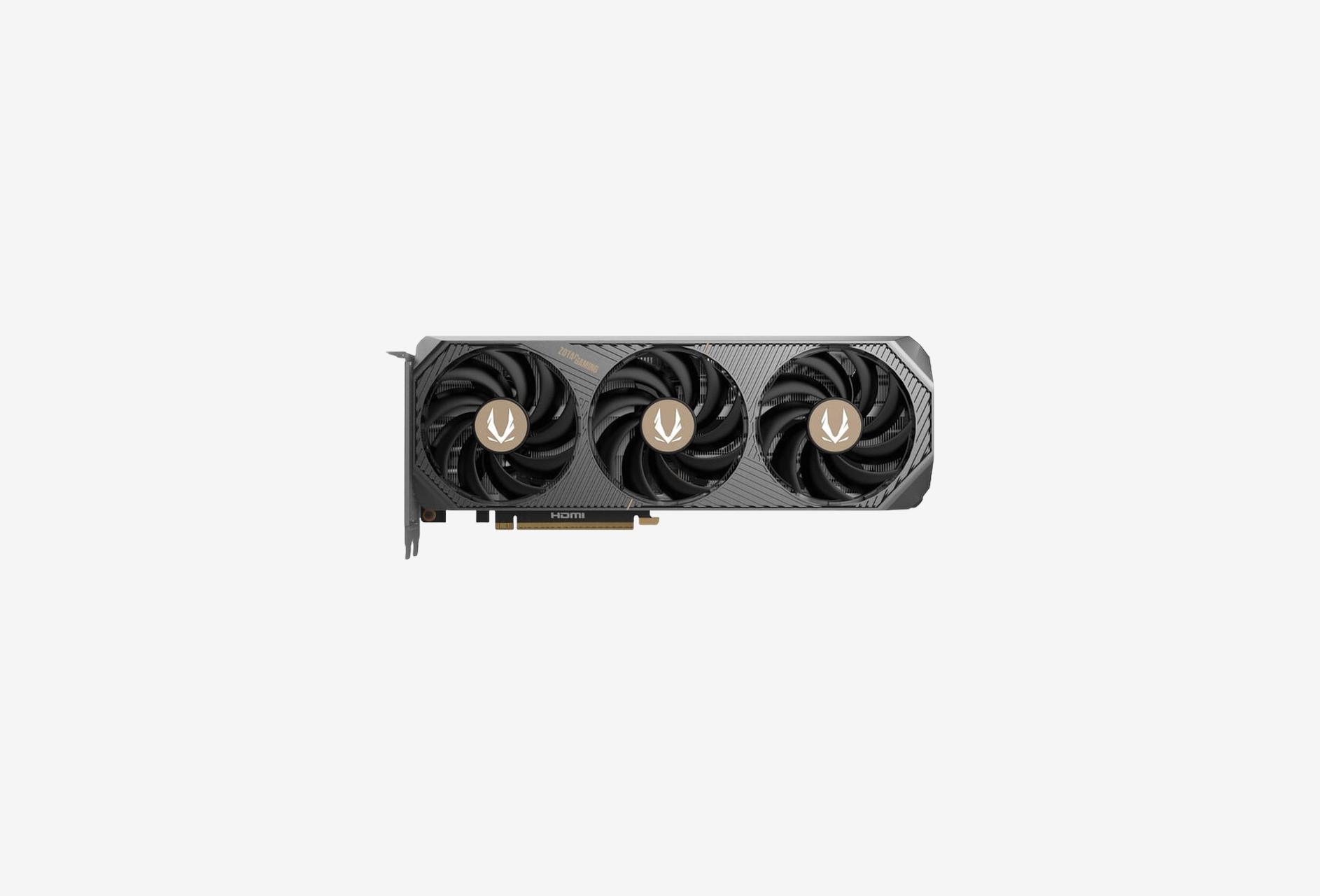
About our tool
Image Handler — An app for fast, multithreaded product photo preparation. Choose x64 core for a full result with background, size, and format; x64 cutout when you only need clean background removal; x64 ai core for prompt-based generation when AI is enabled. Pricing: 1 token = 1 processed image, 5 tokens per generated image.
How to get started
The Launcher is free. You work through your account and tokens.
Windows Launcher
Free + tokens
- Download the Launcher and sign in with your images.x64.ru account.
- Modes x64 core, x64 cutout, and x64 ai core — the same as in the on-site demo.
- IN→OUT folders, auto-scan, hierarchy preserved, size/background/format settings.
- After download the session is cleared; stuck files are removed automatically.
Account
Top up tokens online
- Sign up, token balance, and transaction history.
- Buy tokens in a pack or enter a custom amount.
- 1 token = 1 processed or generated image.
- Top-up requests — a manager credits tokens after payment.
Tokens
Token pricing for image processing.
Up to 9,999 tokens
5₽ / 1 token
- 1 token = 1 processed or generated image.
- Larger packs mean a lower price per token.
From 10,000 tokens
4₽ / 1 token
- 1 token = 1 processed or generated image.
- Larger packs mean a lower price per token.
From 20,000 tokens
3₽ / 1 token
- 1 token = 1 processed or generated image.
- Larger packs mean a lower price per token.
More examples on our website
Ready-made product card examples — on the store website x64.ru. The same look is available in the Launcher: x64 core, x64 cutout, and x64 ai core when AI is enabled.
Web demo: x64 core/x64 cutout — 10 jobs per day and 3 per hour; AI — 5 per day and 2 per hour when enabled. Typical processing is about 1–2 seconds. Full volume is in the Windows Launcher with tokens from your account.
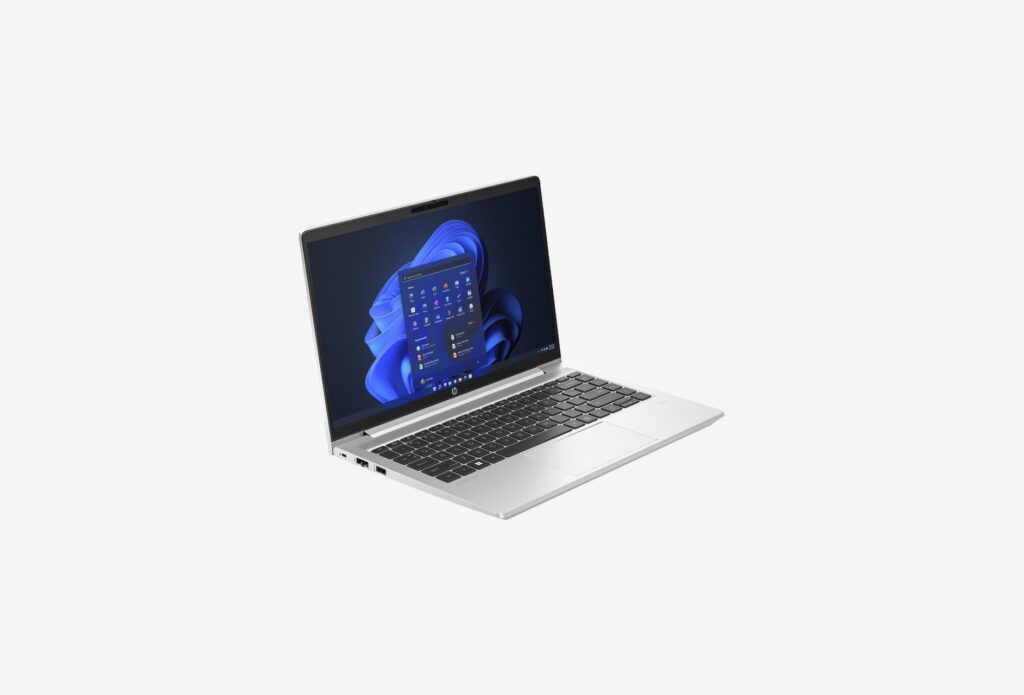
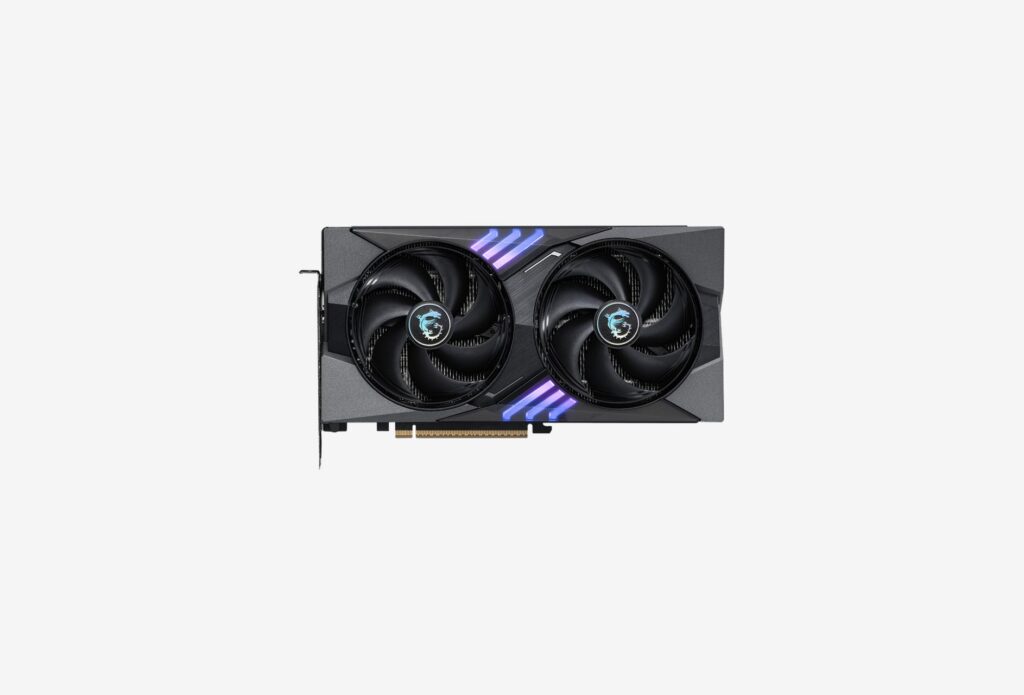
Generation examples
See how source images change after processing: original on the left, result on the right.

 Before
After
Before
After

 Before
After
Before
After

 Before
After
Before
After